1-Stop Smart Work Series — Rules That Save Time.
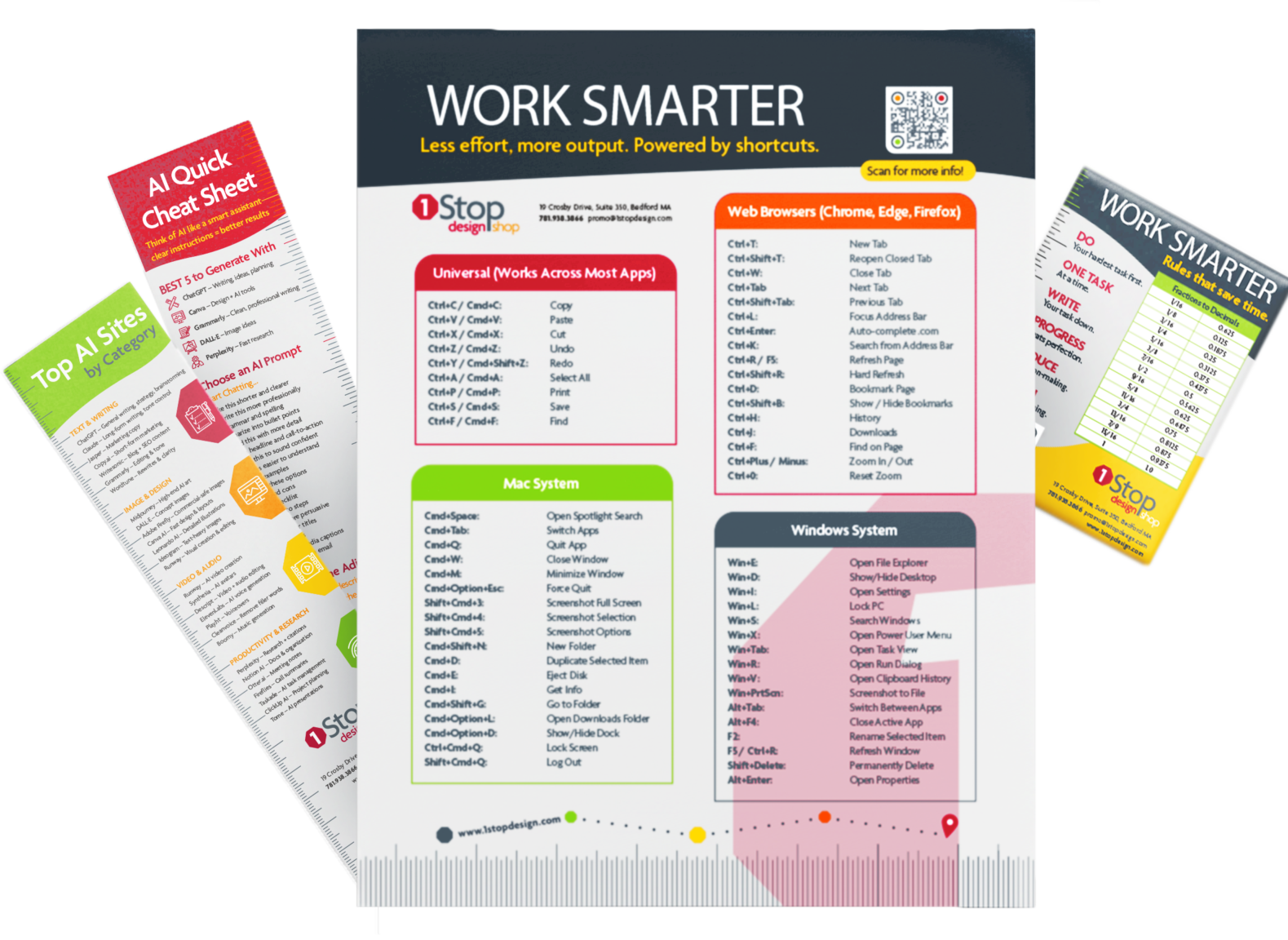
Essential Shortcuts for Mac & Windows — organized into one clean, two-sided guide built for real work.
Did You Come From the Bookmark or Magnet?
You’re in the right place.
That’s just a preview – scroll down to get the full version. Download the complete guide and keep all 250 shortcuts within reach.
What This Is
The Guide You’ll Actually Use
This isn’t another resource you bookmark and forget.
It’s a practical, two-sided cheat sheet designed to:
- Replace constant searching with instant recall
- Eliminate repetitive clicking
- Keep you moving without breaking focus
Everything you need — right in front of you.
Why It Matters
Because Small Delays Kill Momentum
Every time you stop to look something up, you lose your rhythm.
This guide helps you:
- Stay in your workflow
- Work faster without thinking about it
- Turn small efficiencies into daily time savings
Less friction. More flow.
Get the Full Guide
Enter your email and we’ll send you the complete,
printable PDF from the 1-Stop Smart Work Series.
Inside the Guide
- Printer-friendly 8.5 x 11″ format.
- Designed for quick referencing to increase workflow.
- Covering both operating systems: Mac and Windows power user shortcuts.
- Design, creative, and communication shortcuts for tools like Canva and Figma to Slack and Zoom.
- File and project management: Google Drive, Microsoft Office and Notion.